
 Software for Project Managers and
Planners in the Construction Industry
Software for Project Managers and
Planners in the Construction Industry
Welcome to Steven Wood Software
Home of ChainLink the Linear Planning software

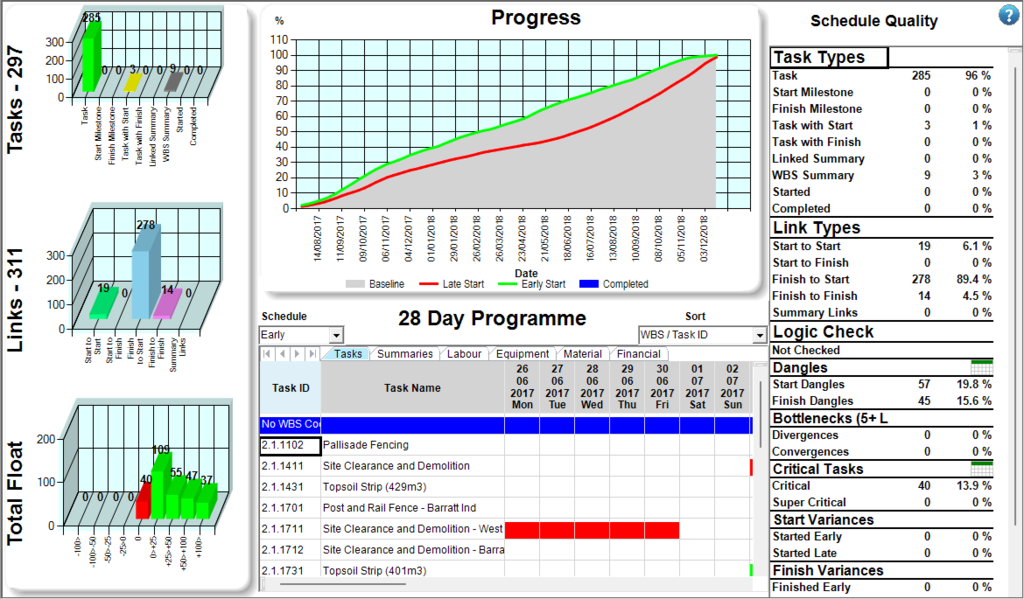
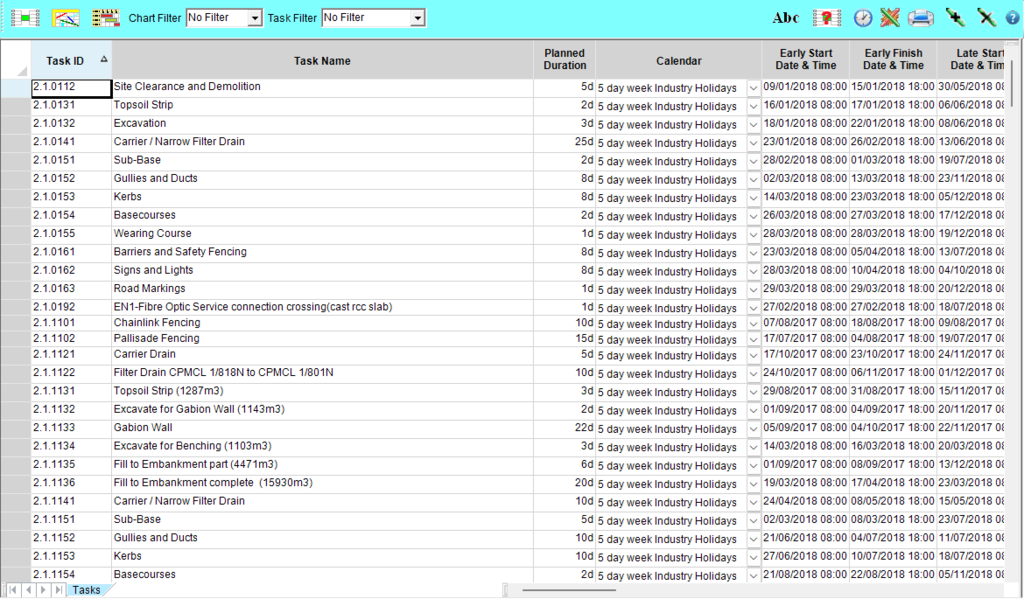
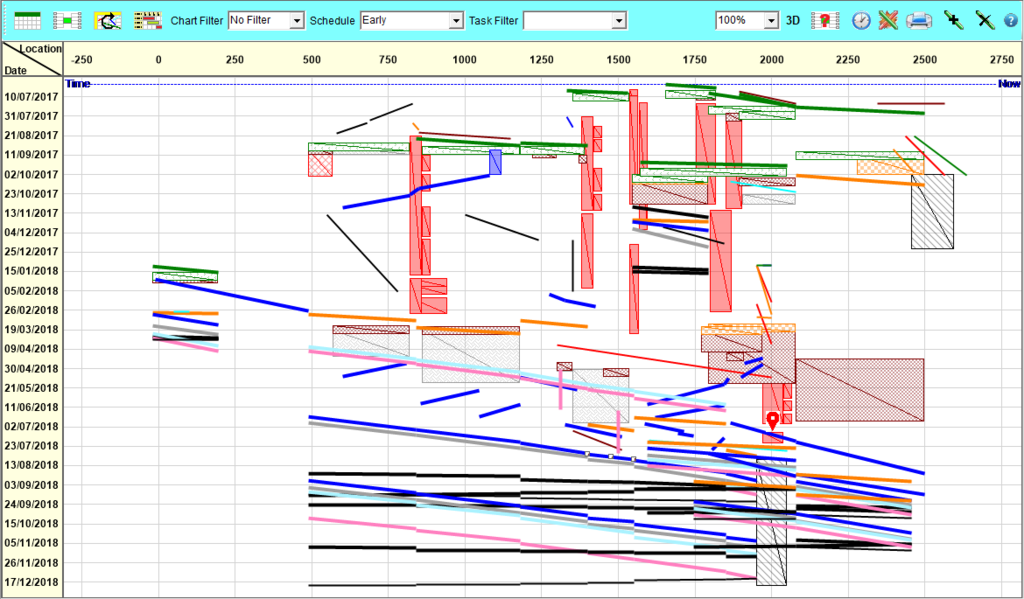
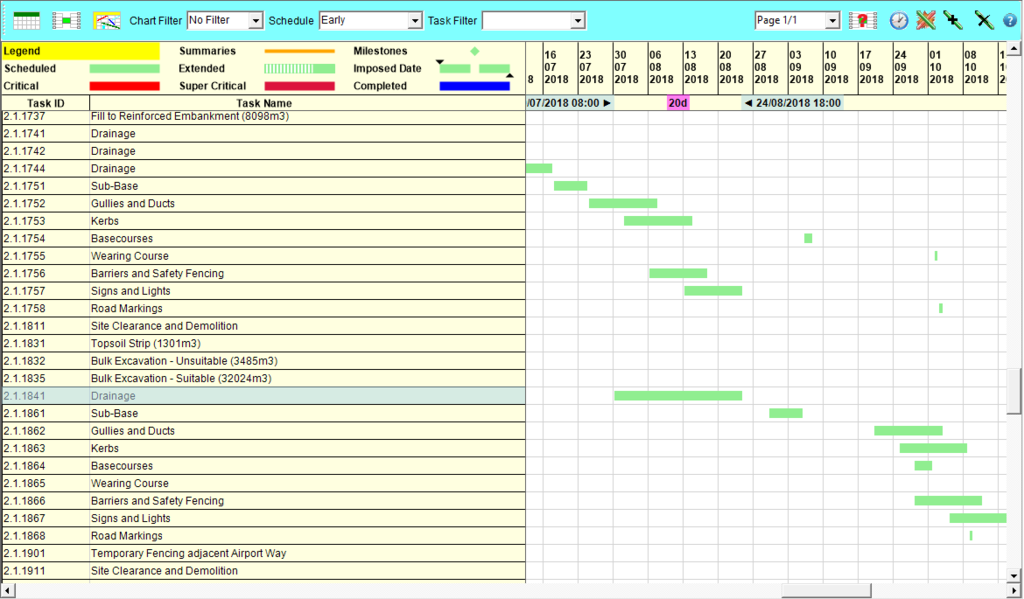
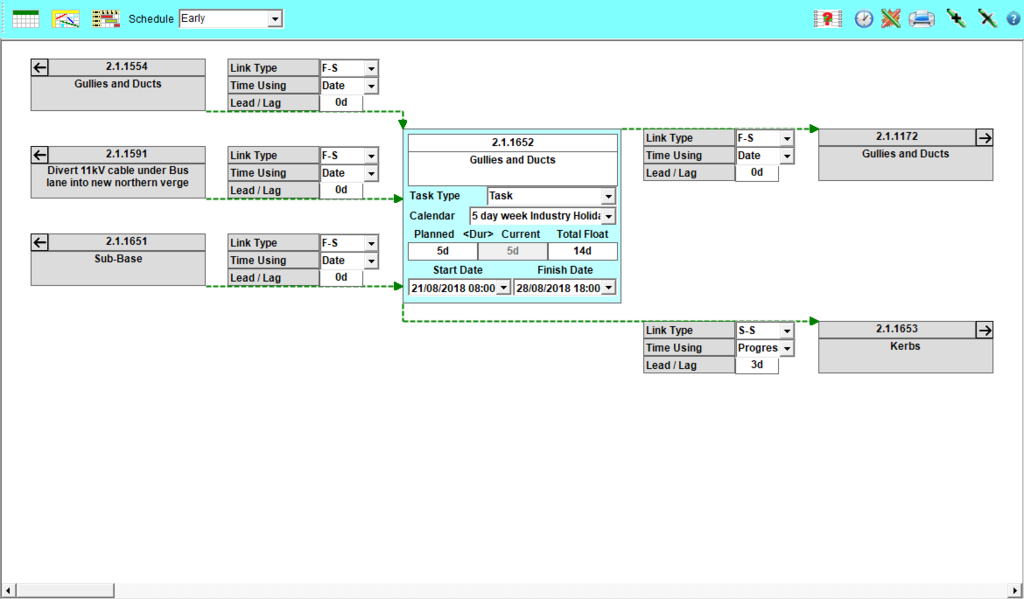
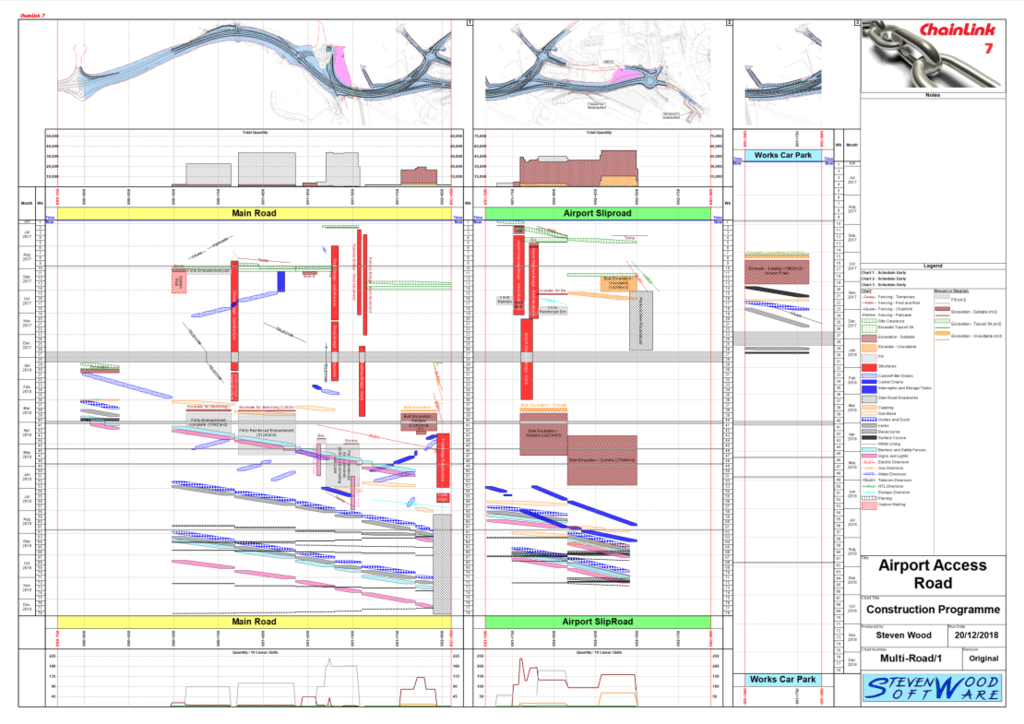
ChainLink is desktop software (not cloud or browser based) capable of being installed on any computer running Microsoft Windows.
For over three decades the ChainLink family of software has provided a no frills add-on utility to produce quality Time Location (Time Chainage) charts quickly and easily with data from your current Project Management software system.
ChainLink 7 now takes the software to the next level providing both the simple tool it was originally design for (Standard Version) or a virtually fully fledged Project Management system (Professional Version).
Contact Details
Steven Wood Software
2 Harksome Hill
West Hunsbury
Northampton
NN4 9YF
United Kingdom
Landline: +44 1604 760620
Mobile: +44 7973 287025
Email: enquiries@swsoftware.co.uk
Associates

 Print
Print 